
The easiest place to start with AI.
The fastest way to get ahead.
Sulla is an AI assistant that's already set up on your computer. No tech skills, nothing to build. Tell it what you need in plain English, and it does the work, today and every day after.
You wanted time back.
You got a second job maintaining zaps.
Most automation tools connect fields between apps. The day a form changes, a login expires or a website moves a button, the automation breaks, usually without telling anyone. Sulla works differently.
Traditional automation
- You map every field and API call by hand
- It breaks when an app or page changes
- It fails silently, and you find out from a customer
- Only works with apps that have an integration
- You become the person who maintains it
Sulla
- You describe the job. Sulla builds the steps
- Each step is an instruction, not a brittle field mapping
- When it's stuck, it pauses and asks you
- Uses 300+ integrations, or a real browser when there's no API
- Picks up where it left off after a restart
Three steps. No flowcharts to wire.
If you can explain the job to a new assistant, you can automate it with Sulla.
Automations you can read.
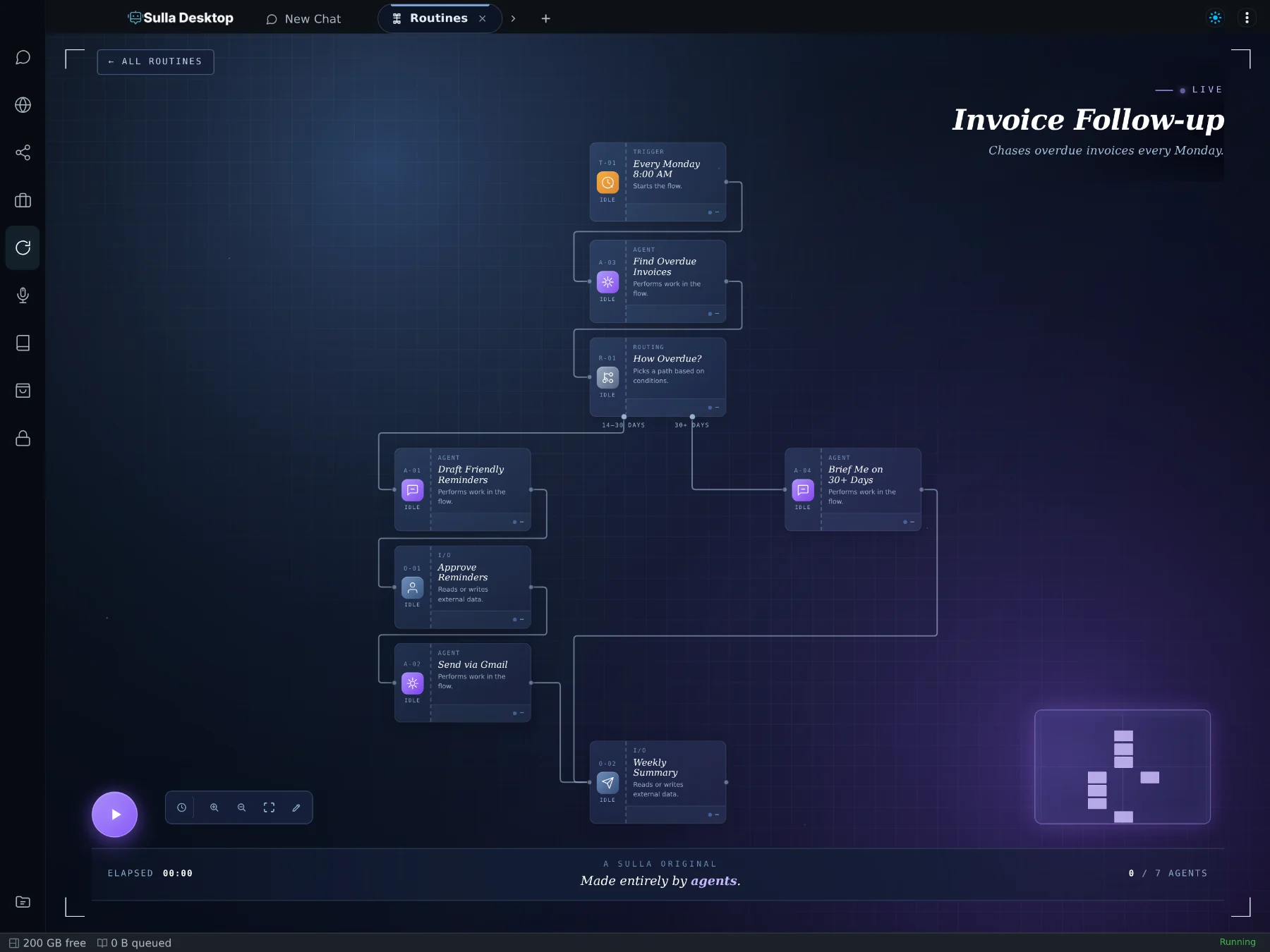
Every automation is a workflow on a canvas. Each step is a short instruction written in plain English, so you can open it months later and know exactly what it does.
- Triggers that fit real workSchedules, calendar events, chat messages, or a quiet background check.
- Approval steps where you want themSulla drafts, then waits for your OK before anything goes out in your name.
- Saved after every stepIf your computer restarts mid-run, the automation resumes from the last finished step.
Just ask. Sulla handles the rest.
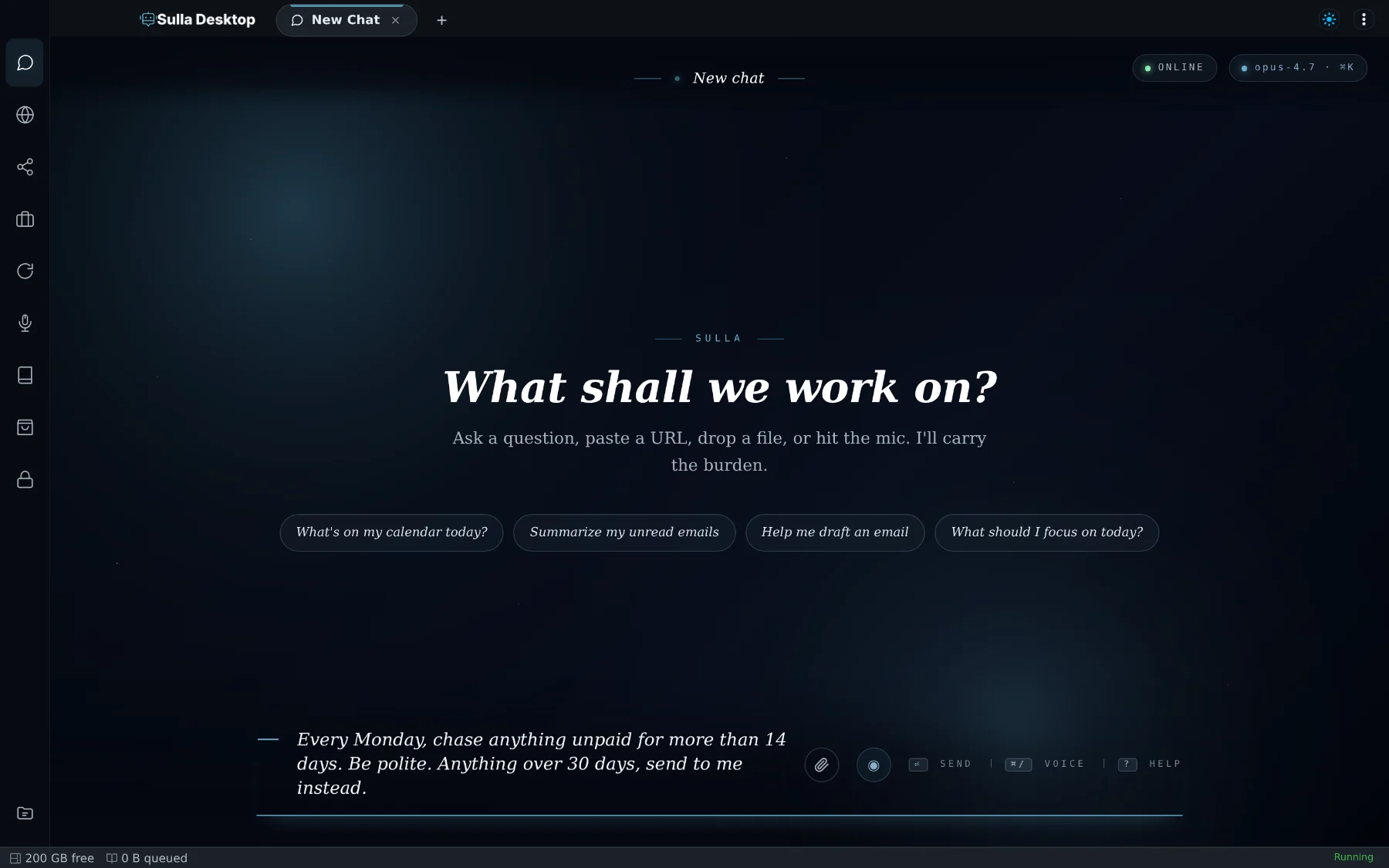
Chat with Sulla like you'd talk to an executive assistant. It remembers your preferences, uses your apps, and turns anything you ask twice into an automation.
- Remembers how you workPreferences and decisions carry over between conversations, so you don't repeat yourself.
- Works in a real browserLogs into your tools with your saved passwords and handles sites that have no integration.
- Calendar, reminders and follow-ups“Remind me at 3” and “check this every hour” both just work.
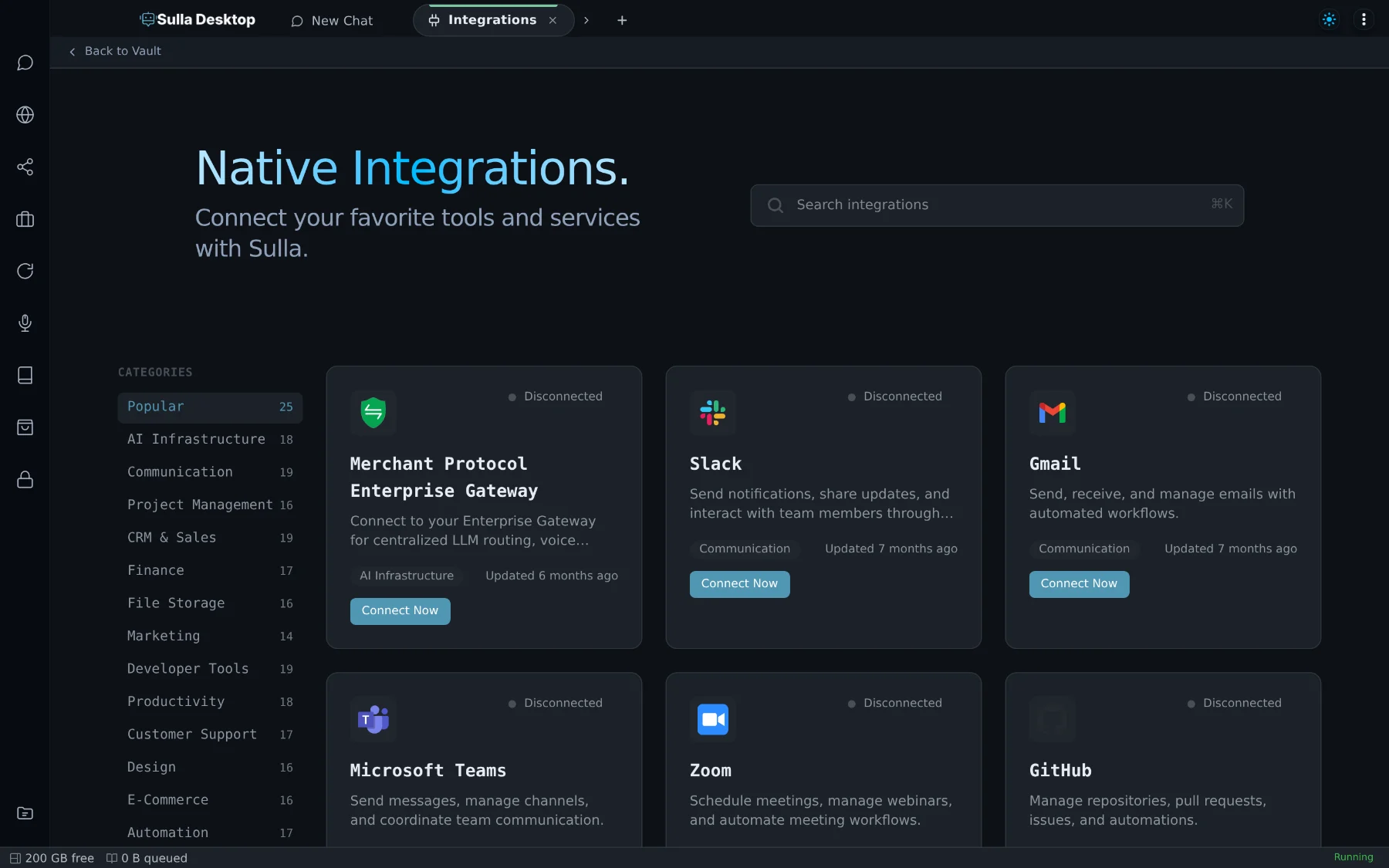
300+ integrations, plus a browser for the rest.
Gmail, Slack, HubSpot, QuickBooks, Stripe, Notion, Google Sheets and hundreds more. Connect an account once and every automation can use it. Your keys stay in an encrypted vault on your machine.
- Connect once, use everywhereNo per-automation setup, and no field mapping.
- No API? No problem.Sulla can work a website the way you would: log in, click, read and download.
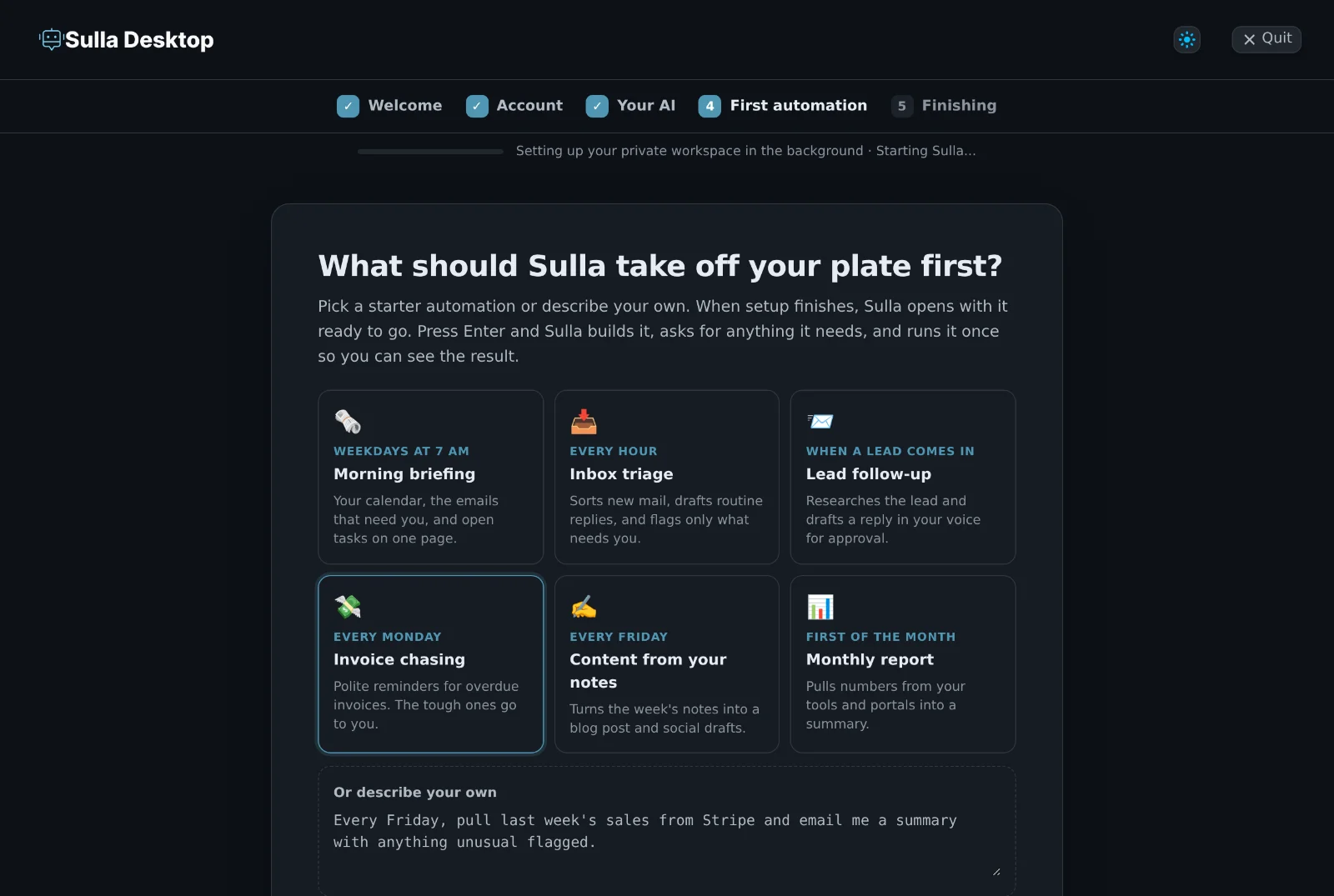
What people hand to Sulla first
Start with the task you keep putting off. Each of these begins as one sentence.
Lead follow-up
Looks the lead up, drafts a reply in your voice, and books the call. It waits for your approval before sending.
Invoice chasing
Finds overdue invoices, sends polite reminders, and hands you the ones that need a phone call.
Morning briefing
Your calendar, the emails that matter, open tasks, and anything that changed overnight, on one page.
Inbox triage
Sorts new mail, drafts the routine replies, and flags only what needs you.
Content from your notes
Turns the week's notes and wins into a blog post and social drafts, queued for your review.
Reports from any portal
Logs into the sites that have no export button, pulls the numbers, and updates your spreadsheet.
Capable, and on a short leash.
An assistant is only useful if you can trust it. Sulla is built to show its work and ask before it acts for you.
Your first automation in minutes.
One installer for Mac, Windows or Linux. Setup runs by itself.
Sign in to Anthropic, OpenAI, Grok or another provider, or paste an API key.
Pick a starter automation or write your own. Sulla sets it up and runs it once so you can see the result.
Developer? Install from the terminal instead
macOS 11+, Windows 10+ or Ubuntu 20.04+ · 8 GB RAM minimum, 16 GB recommended · All downloads →
Questions people ask first
Is Sulla really free?
Yes. The desktop app is free to download and use. Sulla needs an AI model to think with: connect your own account with a provider like Anthropic, OpenAI or Grok, by signing in or pasting an API key, and you pay them directly for what you use.
Do I need to know how to code?
No. You describe what you want in plain English and Sulla builds the workflow. If you like to tinker, every workflow is also editable on a visual canvas and as a plain file.
What happens when something changes and an automation gets stuck?
Each step is an instruction Sulla carries out, not a hard-coded field mapping, so small changes to a page or app don't break it. When Sulla really can't continue, it pauses at that step and tells you what it needs instead of failing silently. Progress is saved after every step, so it picks up where it stopped.
Will it send things without asking me?
Only if you let it. Add an approval step anywhere and Sulla waits for your OK before emailing, messaging or posting in your name.
Where does my data go?
Your memory, workflows, files and passwords stay on your computer. The text of each request goes to the AI provider you connect so it can be processed.
How is this different from Zapier, Make or n8n?
Those tools connect apps by mapping fields between them, and you maintain the mappings. Sulla is an assistant that does the work: it reads, decides, writes and uses a real browser when there's no integration. You describe the outcome, not the plumbing.
Does my computer need to stay on?
Sulla runs on your machine, so scheduled automations run while it's on. Sulla keeps your computer from sleeping through scheduled work so jobs aren't missed.
What would you stop doing tomorrow?
Pick the task. Describe it once. Let Sulla carry it from here.